
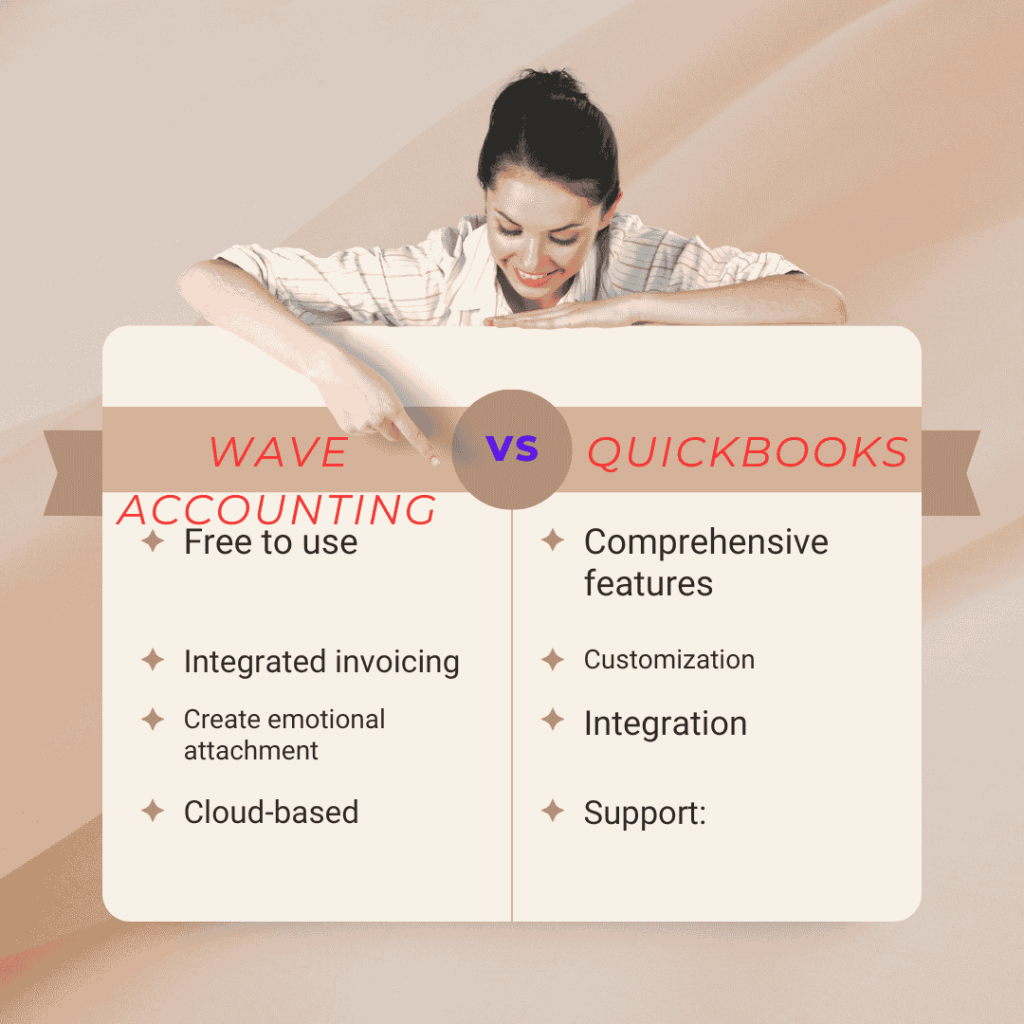
Compare Wave Accounting vs Quickbooks to find the ideal accounting software for your business. Simplify your finances with our expert insights!
Selecting between Wave Accounting and QuickBooks can be challenging. Both offer unique features and benefits that cater to different business needs. Wave is often praised for its free, user-friendly interface, making it ideal for small businesses and freelancers. QuickBooks, on the other hand, is known for its robust functionality, suitable for larger businesses with complex accounting requirements.
Comparing these two can help you determine which aligns better with your business goals. In this blog, we’ll explore the key differences, features, and benefits of Wave Accounting and QuickBooks. This comparison will assist you in making an informed decision for your business’s financial management.
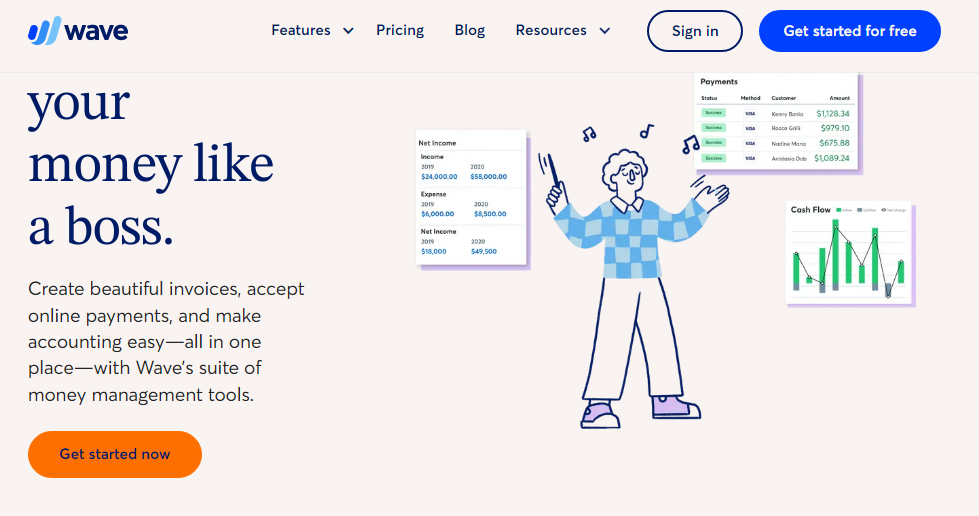
Key Features Of Wave Accounting
Wave Accounting offers many features that help small businesses manage their finances. Below, we’ll explore its key features to understand its value better.
User Interface
Wave Accounting has a clean and simple user interface. The dashboard provides an overview of your financial health. You can easily navigate through different sections. The design is intuitive, so you won’t struggle to find what you need.
Invoicing Capabilities
With Wave Accounting, creating and sending invoices is a breeze. You can customize invoice templates to match your brand. Send invoices directly from the platform and track their status. Set up automatic reminders for overdue payments. This saves you time and ensures you get paid faster.
Expense Tracking
Tracking expenses is crucial for any business. Wave Accounting allows you to link your bank accounts for automatic expense tracking. Categorize expenses to see where your money goes. Generate expense reports to monitor your spending. This helps you stay on top of your finances effortlessly.
Key Features Of Quickbooks
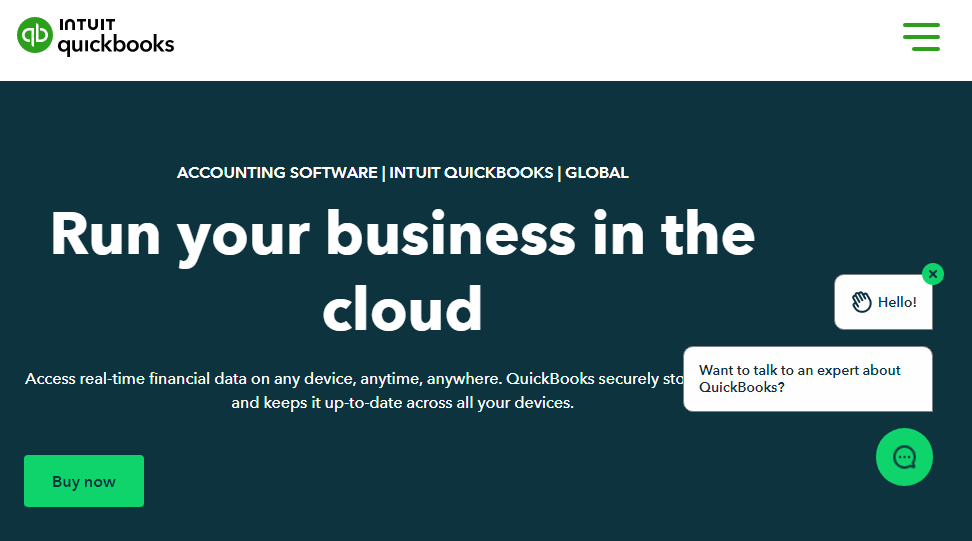
QuickBooks is a widely used accounting software known for its robust features. It caters to small and medium-sized businesses by simplifying complex financial tasks. Let’s explore the key features that make QuickBooks stand out.
User Interface
QuickBooks offers a user-friendly interface. The dashboard is easy to navigate, providing a clear view of financial data. Users can quickly access key features without extensive training. The layout is intuitive, helping users find what they need quickly.
Invoicing Capabilities
QuickBooks excels in invoicing capabilities. Users can create and send invoices within minutes. It supports custom templates, allowing businesses to maintain brand consistency. Automated reminders help ensure timely payments, improving cash flow.
Expense Tracking
Expense tracking is seamless with QuickBooks. Users can easily categorize expenses, making it simple to monitor spending. The software syncs with bank accounts, providing real-time updates. Detailed reports help users understand their spending patterns.
Pricing Comparison
Choosing the right accounting software for your business can be challenging. Pricing is a crucial factor to consider. Let’s dive into the pricing comparison between Wave Accounting and QuickBooks.
Wave Accounting Pricing
Wave Accounting is known for its free pricing model. Here’s what you get at no cost:
- Accounting and invoicing
- Receipt scanning
- Bank connections
Wave makes money through its paid services. These include:
- Payroll services
- Payment processing
Payroll services start at $20 per month plus $6 per active employee. Payment processing fees are 2.9% + 30¢ per transaction for credit cards, and 1% for bank payments.
Quickbooks Pricing
QuickBooks offers several pricing plans. Here is a breakdown:
| Plan | Monthly Cost | Features |
|---|---|---|
| Simple Start | $25 | Track income and expenses, create invoices |
| Essentials | $50 | Manage bills, multiple users |
| Plus | $80 | Project tracking, inventory management |
| Advanced | $180 | Advanced reporting, dedicated account team |
Value For Money
Wave Accounting is ideal for small businesses and freelancers. Its free model covers basic accounting needs. This offers great value for those with tight budgets.
QuickBooks offers more features and scalability. It caters to growing businesses needing advanced functionalities. The higher cost reflects its robust feature set.
Choosing between Wave and QuickBooks depends on your business needs. Evaluate your requirements and budget carefully.
Ease Of Use
Choosing the right accounting software can be difficult. Wave Accounting and QuickBooks are popular choices. Both offer unique features. But how easy are they to use? Let’s break it down.
Setup Process
Wave Accounting’s setup process is straightforward. Users are guided through each step. You can start within minutes. No advanced knowledge is needed. Just follow the prompts.
QuickBooks also offers an easy setup. It has a step-by-step guide. The process is user-friendly. QuickBooks also provides videos and tutorials. These can help new users get started quickly.
Daily Operations
Wave Accounting makes daily tasks simple. Its dashboard is clear and intuitive. Users can manage invoices, track expenses, and generate reports easily. Navigation is smooth. Everything is accessible in a few clicks.
QuickBooks excels in daily operations too. Its interface is clean and organized. Users can handle payroll, inventory, and more. Tasks are streamlined. The software supports multiple integrations. This makes managing business operations efficient.
Customer Support
Wave Accounting offers support through email and live chat. Their help center is comprehensive. Users can find answers to common questions. Response times are quick. The support team is knowledgeable.
QuickBooks provides various support options. Users can access phone support, live chat, and a community forum. There is also a detailed knowledge base. QuickBooks ensures users get the help they need promptly.
Integration Capabilities
When choosing between Wave Accounting and QuickBooks, one key factor to consider is their integration capabilities. Integrations can streamline your accounting processes by connecting with other tools and services you use. Let’s explore how each platform handles third-party apps, bank integration, and e-commerce integration.
Third-party Apps
Both Wave Accounting and QuickBooks offer integration with third-party apps. QuickBooks has a large marketplace with over 650 apps. These apps cover various needs like payroll, time tracking, and project management. You can find almost any tool to fit your business requirements.
Wave Accounting also supports third-party apps, but the selection is smaller. Wave focuses on essential integrations like PayPal, Etsy, and Zapier. These integrations cover most small business needs, but you might find fewer options compared to QuickBooks.
Bank Integration
Seamless bank integration is crucial for tracking your finances. QuickBooks supports integration with thousands of banks worldwide. This feature allows you to sync transactions automatically. It saves time and reduces manual entry errors.
Wave Accounting also offers bank integration, but with fewer banks. Wave supports major banks in the U.S. and Canada. If your bank is supported, you can benefit from automatic transaction syncing. If not, you might need to upload transactions manually.
E-commerce Integration
For businesses with an online store, e-commerce integration is essential. QuickBooks integrates with popular e-commerce platforms like Shopify, WooCommerce, and BigCommerce. These integrations help you manage sales, inventory, and expenses in one place.
Wave Accounting also supports e-commerce integration, but the options are limited. Wave integrates with Shopify and Etsy. These integrations help small businesses manage their online sales. However, if you use other platforms, you might need to find workarounds.
Overall, both Wave Accounting and QuickBooks offer useful integration capabilities. QuickBooks provides a wider range of options, especially for larger businesses. Wave Accounting focuses on essential integrations for small businesses. Consider your specific needs and tools you use before making a decision.
Security And Compliance
Choosing the right accounting software is crucial. Security and compliance are key factors. Let’s compare Wave Accounting and QuickBooks in these areas.
Data Security
Both Wave Accounting and QuickBooks prioritize data security. They use encryption to protect your data during transmission. This ensures that your financial information stays safe from hackers.
Wave Accounting uses 256-bit SSL encryption. This is the same level of security used by banks. QuickBooks also employs similar encryption standards.
Wave and QuickBooks provide multi-factor authentication. This adds an extra layer of security. Even if someone knows your password, they cannot access your account without the second factor.
Regulatory Compliance
Compliance with regulations is vital. Wave Accounting and QuickBooks comply with industry standards. They follow guidelines to protect user data.
Wave Accounting adheres to GDPR. This means they respect user privacy and data protection laws. QuickBooks also complies with GDPR.
In the United States, QuickBooks follows the CCPA. This law protects consumer privacy. Wave Accounting also meets similar standards for user data protection.
Both platforms stay updated with changing regulations. This ensures your data stays compliant with the latest laws.
Pros And Cons
Choosing the right accounting software for your business can be challenging. Both Wave Accounting and QuickBooks offer unique benefits and drawbacks. Let’s explore the pros and cons of each to help you make an informed decision.
Pros Of Wave Accounting
- Free to use: Wave offers many features at no cost.
- Easy to use: The interface is user-friendly and simple to navigate.
- Integrated invoicing: Wave includes invoicing and receipt scanning.
- Cloud-based: Access your data from anywhere with an internet connection.
Cons Of Wave Accounting
- Limited features: Wave lacks advanced features found in other software.
- Customer support: Limited support options can be frustrating.
- Scalability: Not suitable for larger businesses with complex needs.
- Ads: Free version includes ads, which can be distracting.
Pros Of Quickbooks
- Comprehensive features: QuickBooks offers a wide range of advanced tools.
- Customization: Highly customizable to fit specific business needs.
- Integration: Integrates with many other business applications.
- Support: Access to extensive customer support and resources.
Cons Of Quickbooks
- Costly: QuickBooks can be expensive, especially for small businesses.
- Complexity: The learning curve can be steep for new users.
- Overwhelming features: Too many features can be overwhelming for some.
- Occasional bugs: Users report occasional glitches and bugs.
| Feature | Wave Accounting | QuickBooks |
|---|---|---|
| Cost | Free | Paid |
| Ease of Use | Very easy | Moderate |
| Customer Support | Limited | Extensive |
| Features | Basic | Advanced |
| Scalability | Limited | High |
Frequently Asked Questions
What Is Wave Accounting?
Wave Accounting is a free, user-friendly accounting software. It is designed for small businesses and freelancers. It offers features like invoicing, payroll, and expense tracking.
What Is Quickbooks?
QuickBooks is a comprehensive accounting software for businesses. It provides features like invoicing, payroll, expense tracking, and inventory management. It is suitable for both small and large businesses.
How Does Wave Accounting Compare To Quickbooks?
Wave Accounting is free and great for small businesses. QuickBooks offers more features and is suitable for larger businesses. Both have user-friendly interfaces.
Which Is Better For Small Businesses?
Wave Accounting is better for small businesses. It is free and easy to use. QuickBooks is more feature-rich but comes with a cost.
Conclusion
Choosing between Wave Accounting and QuickBooks depends on your business needs. Wave is free and good for small businesses. QuickBooks offers more features but at a cost. Both have user-friendly interfaces. Think about your budget and required features. Test both to see which fits better.
Make an informed choice to manage your finances efficiently.
